Configuring Your Marketing Mix Model
What you'll need
- At least one connected data source with synced data
- A minimum of 90 days of historical data (1 year recommended)
- A clear KPI in mind (conversions or revenue)
Create a new model
Go to Model Hub and click + New Model.
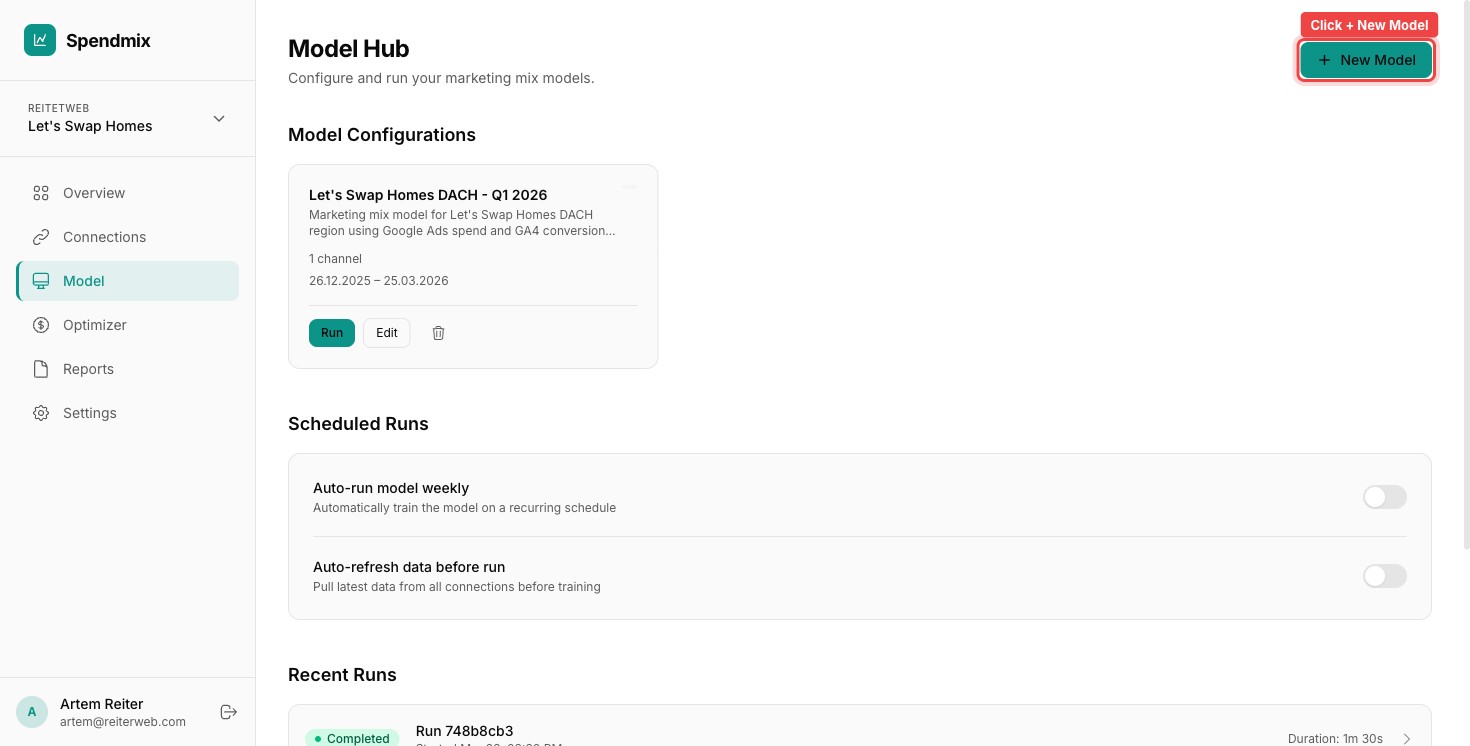
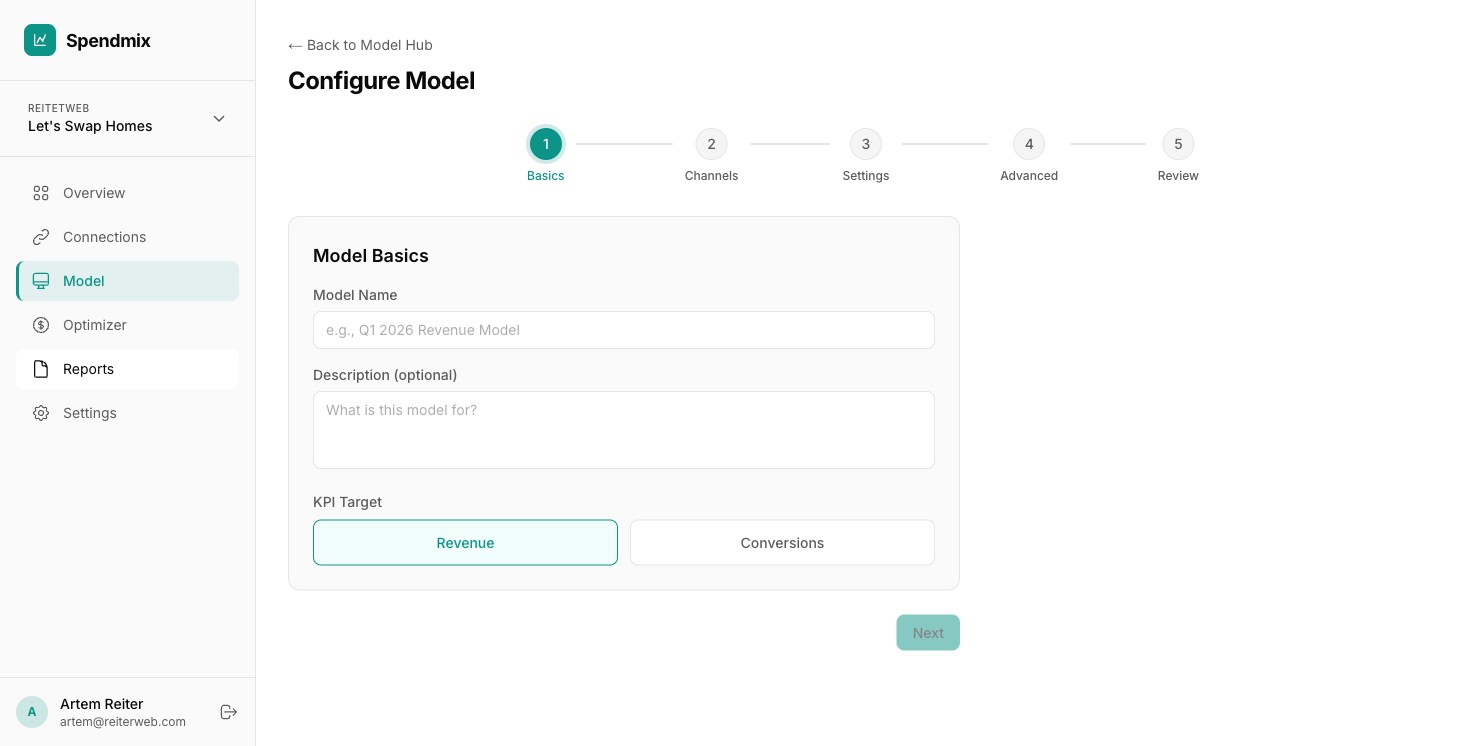
Name your model
Give it a descriptive name like "Q1 2026 Analysis" or "Full Year Revenue Model". You can rename it later.
Select marketing channels
Check the channels to include: Google Ads, Meta Ads, TikTok, LinkedIn, and any others you have connected. Only channels with synced data appear here.
Set the date range
Pick the start and end dates. Minimum 90 days. One year of data is ideal — it gives the model enough signal to separate channel effects from seasonality.
Choose your KPI
Select conversions or revenue as your target metric. This is the outcome the model will decompose into channel contributions.
Select a speed preset
Quick (5 min) is good for exploration. Standard (15 min) is the default. Thorough (30 min) produces tighter confidence intervals. Production (1 hour) is for final reporting.
Configure advanced settings (optional)
Open the Advanced section to adjust adstock decay, saturation priors, and control variables. Skip this if you are unsure — the defaults work well for most cases.
Save the configuration
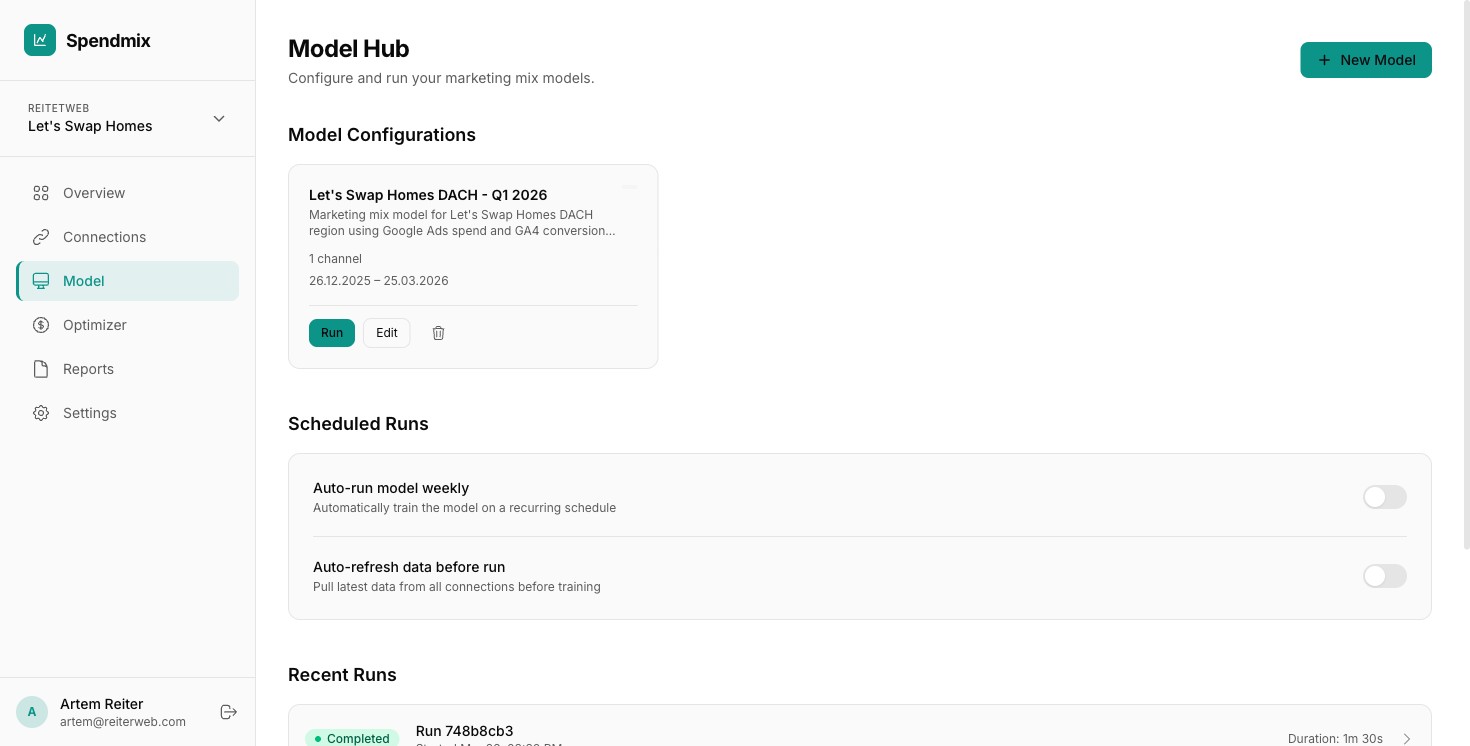
Click Save. Your model configuration is now ready to run. You can edit it later before running.
Next step