Quick Start: Your First MMM in 5 Minutes
What you'll need
- An email address or Google account
- Access to at least one ad platform (Google Ads, Meta, etc.)
- At least 90 days of historical spend data
Sign up
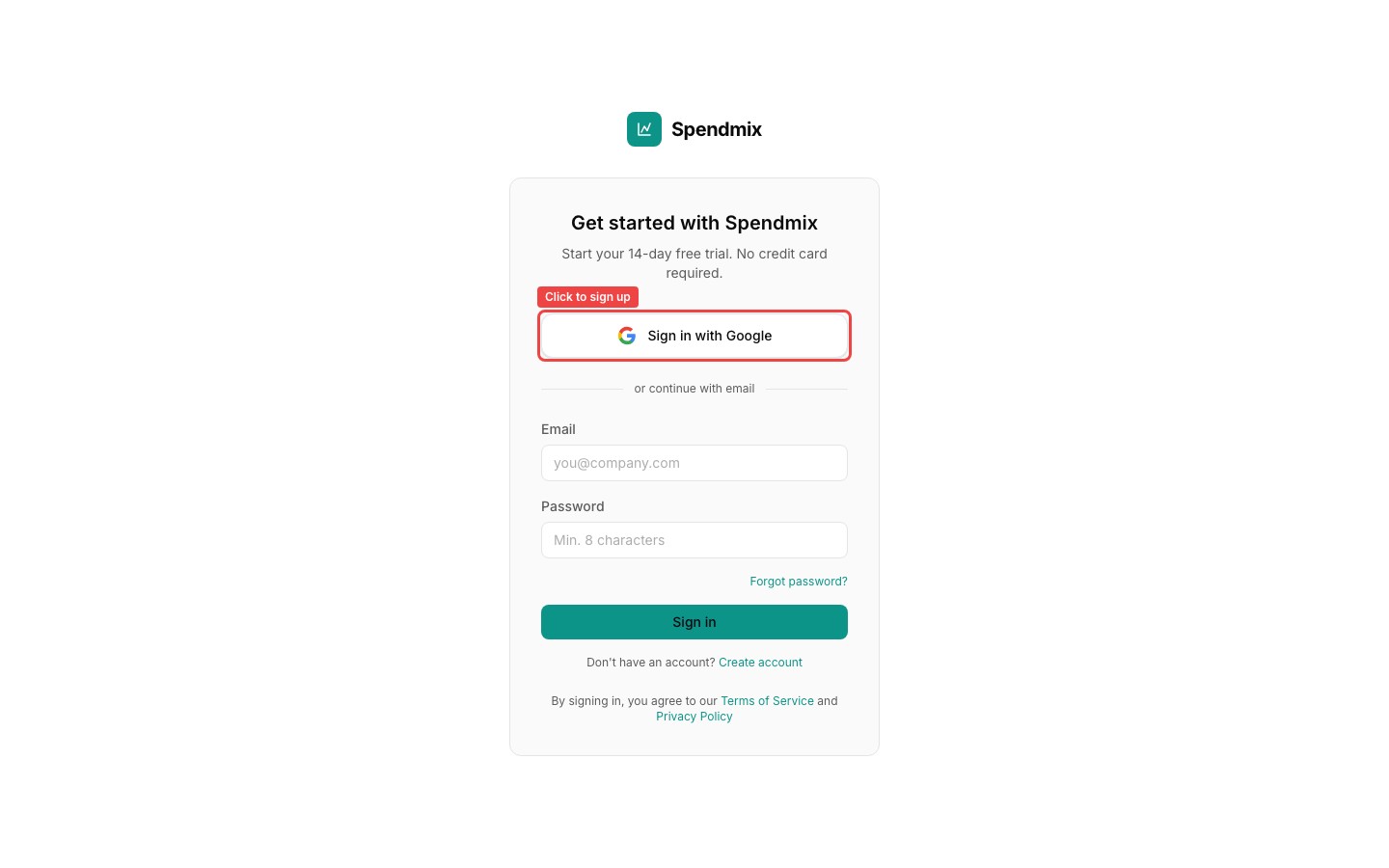
Go to spendmix.com and click Start Free Trial. Sign up with Google or enter your email and password. No credit card required.
Create your organization
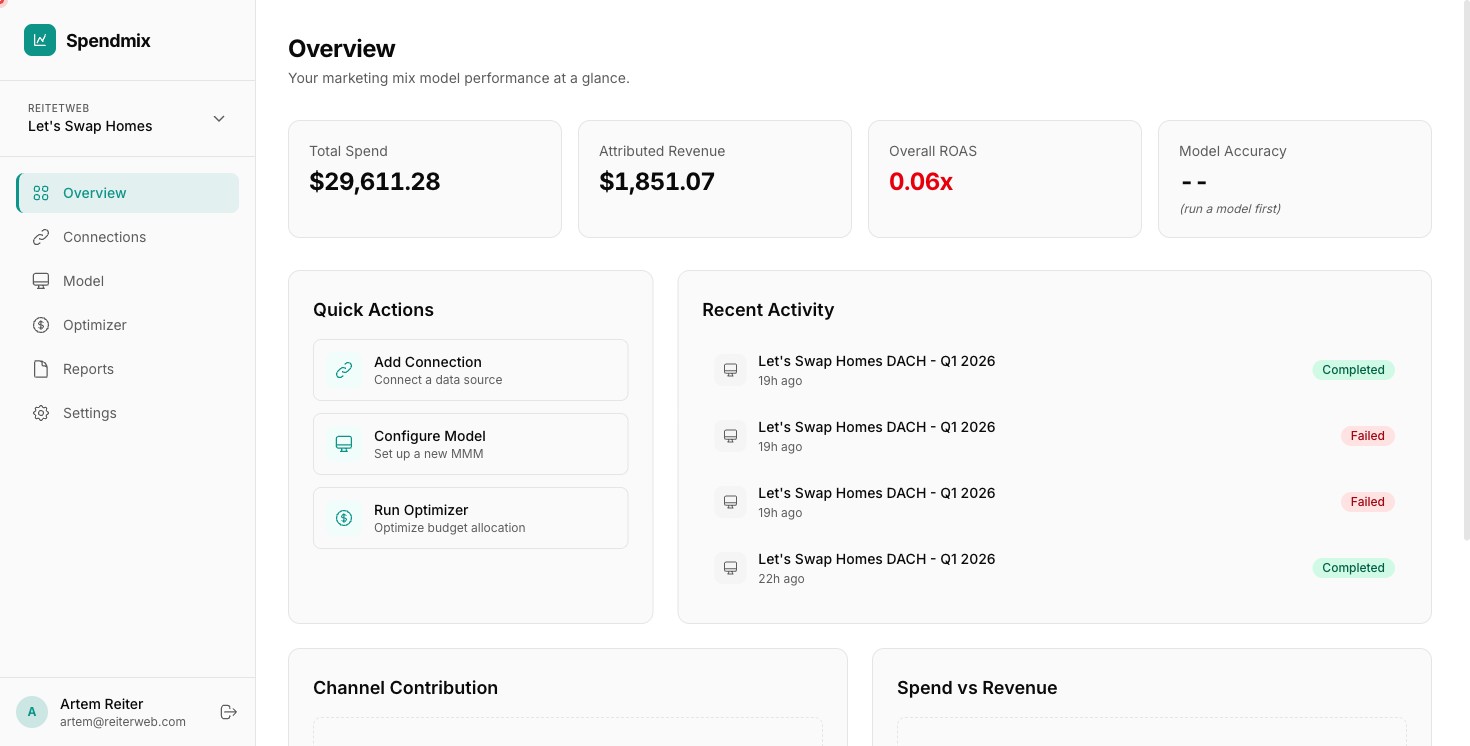
Enter your brand or agency name. This is the top-level container for all your workspaces and team members.
Create your first workspace
A workspace groups related data sources and models. Name it after the brand or product you want to analyze.
Connect at least one ad platform
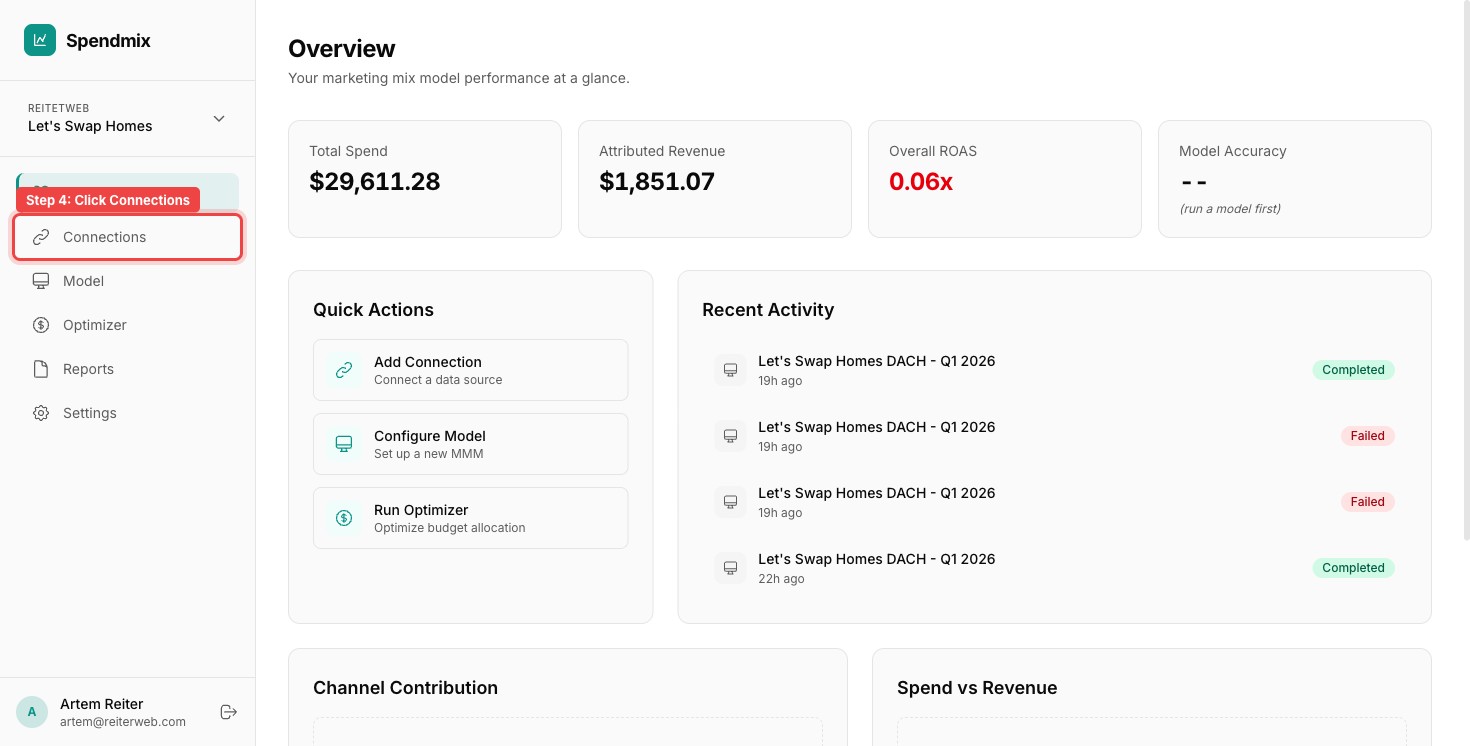
Go to Connections and click Add Connection. Choose your platform (Google Ads, Meta, etc.) and complete the OAuth flow. Data starts syncing immediately.
Configure your model
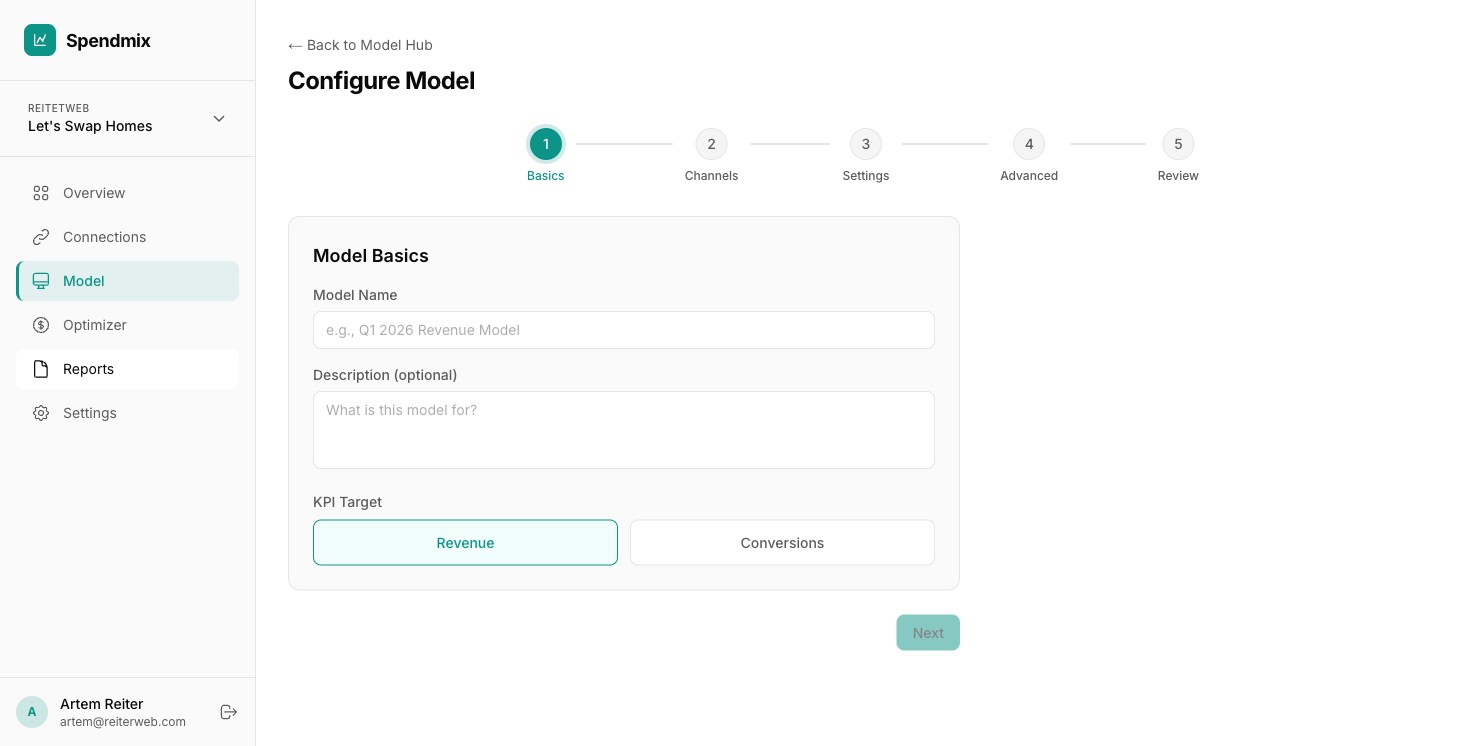
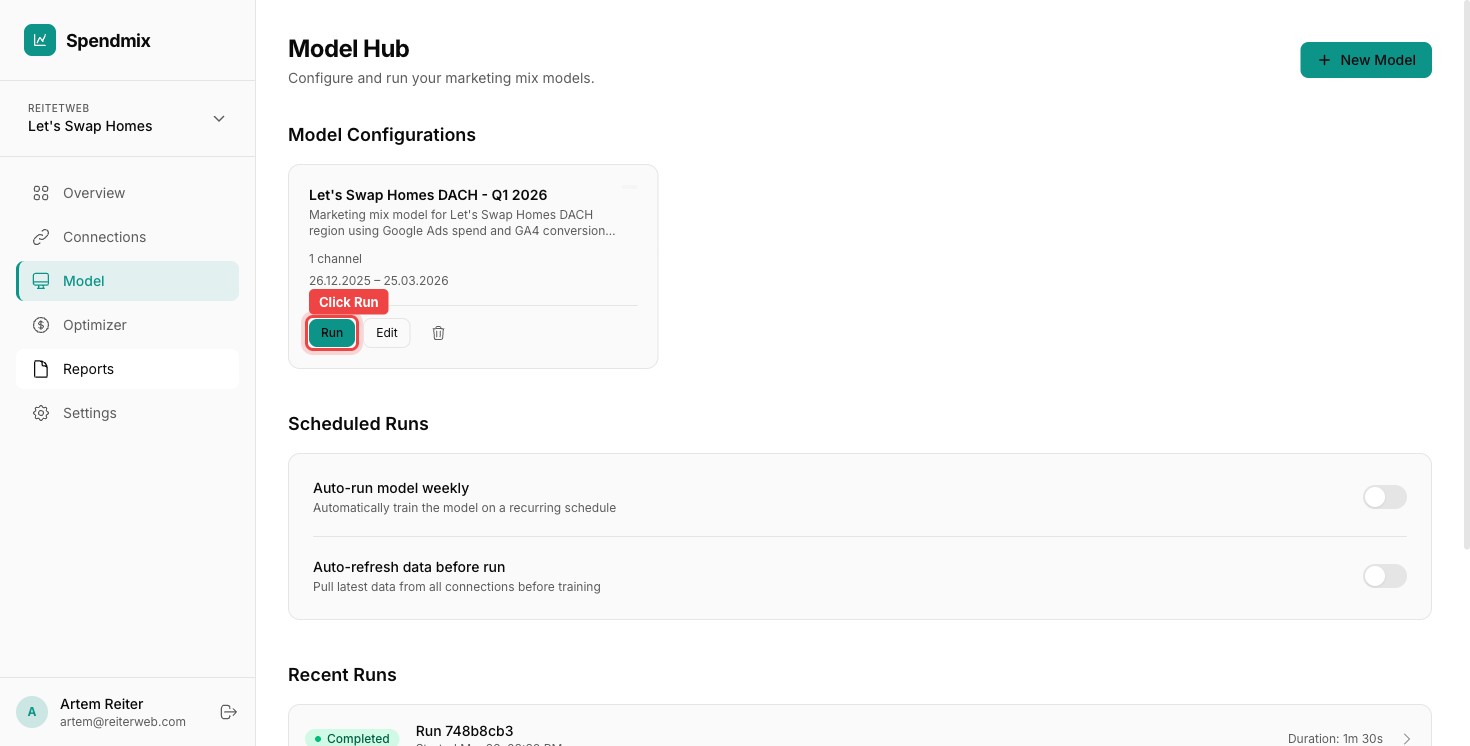
Go to Model Hub and click + New Model. Select the channels to include, pick a date range (90 days minimum), choose your KPI, and select a preset speed.
Run the model
Click Run. The Quick preset takes about 5 minutes. You can close the tab — results will be ready when you return.
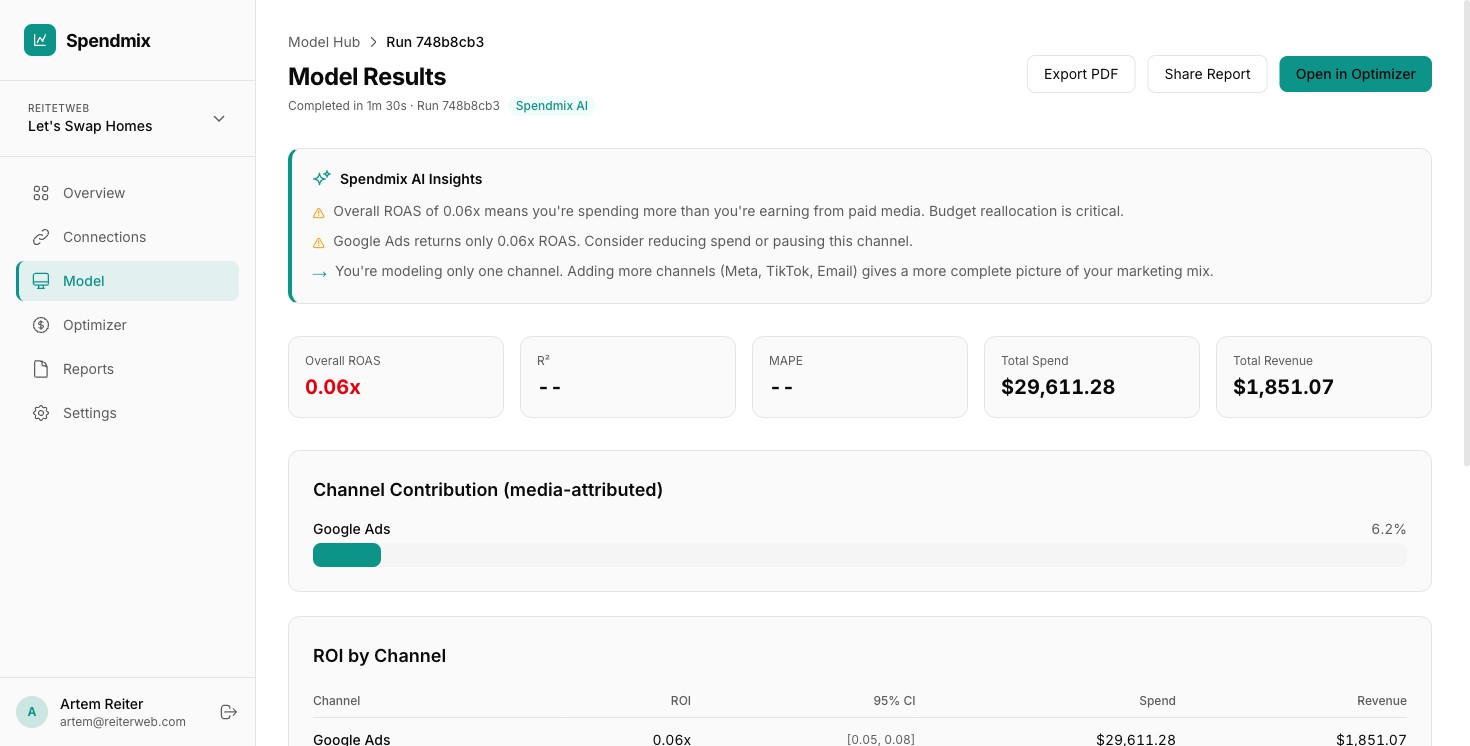
View your channel ROI breakdown
Once the run completes, open it to see AI Insights, overall ROAS, channel contributions, and ROI with confidence intervals. Channels with ROAS below 1.0 are flagged for review.
Next step